Role: Product Designer & UI Researcher
Timeline: December 2020 — November 2023
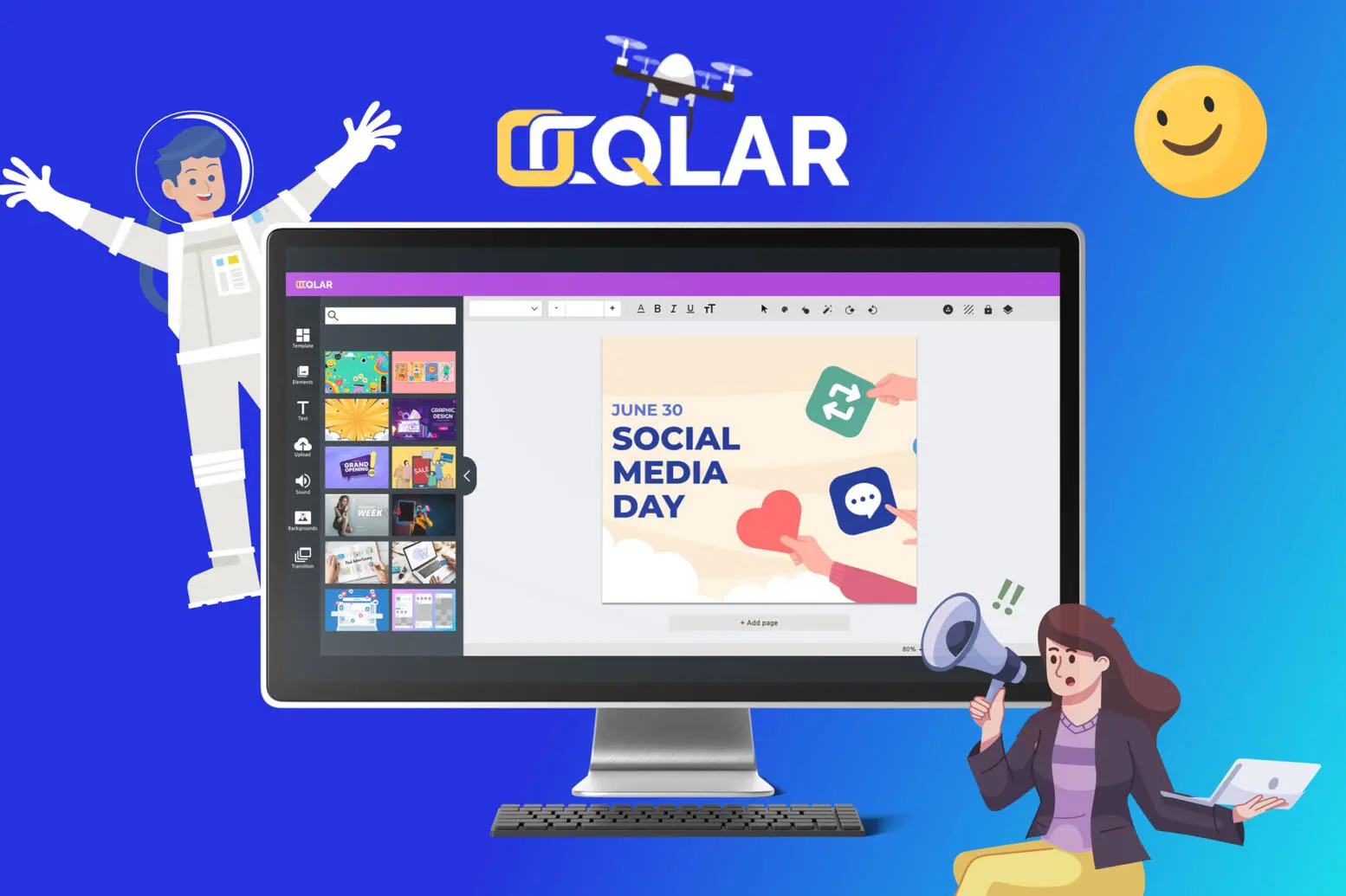
OQLAR is a web-based graphic design and video editing platform aimed at small business owners and content creators who need accessible design tools without a steep learning curve.

Research & Competitive Analysis
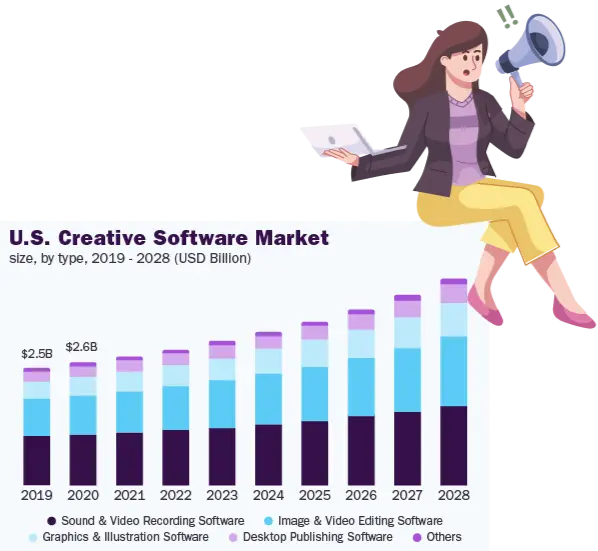
The creative software market was worth $8.47 billion in 2021 and was projected to grow 6.8% annually through 2028 — a real opportunity, but a crowded one.
I benchmarked OQLAR against the existing players — Canva, Adobe Express, Visme, Crello, Snappa and Pixlr X — to see where an accessible, low-friction tool could still stand out.

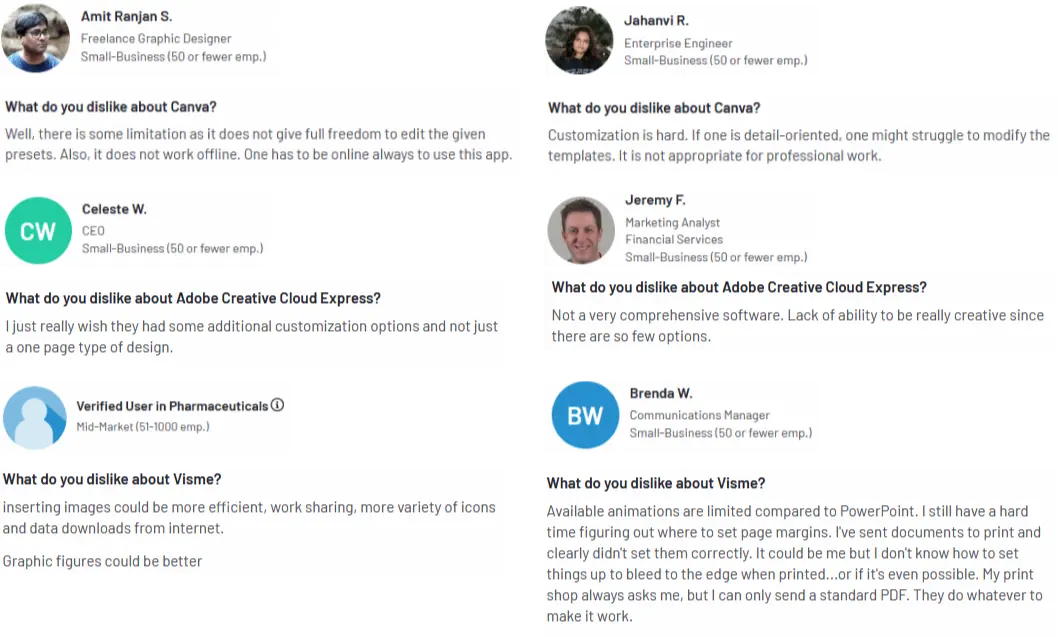
Real user reviews of those tools pointed to the same gaps: limited customization, no offline access, and features that stayed too basic for anything beyond a single-page design.
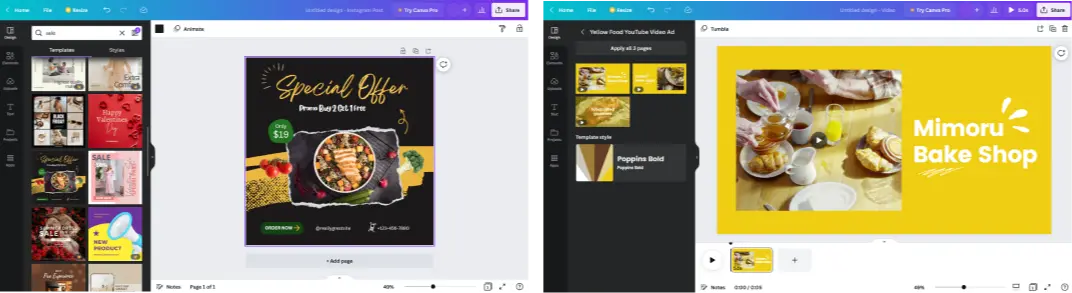
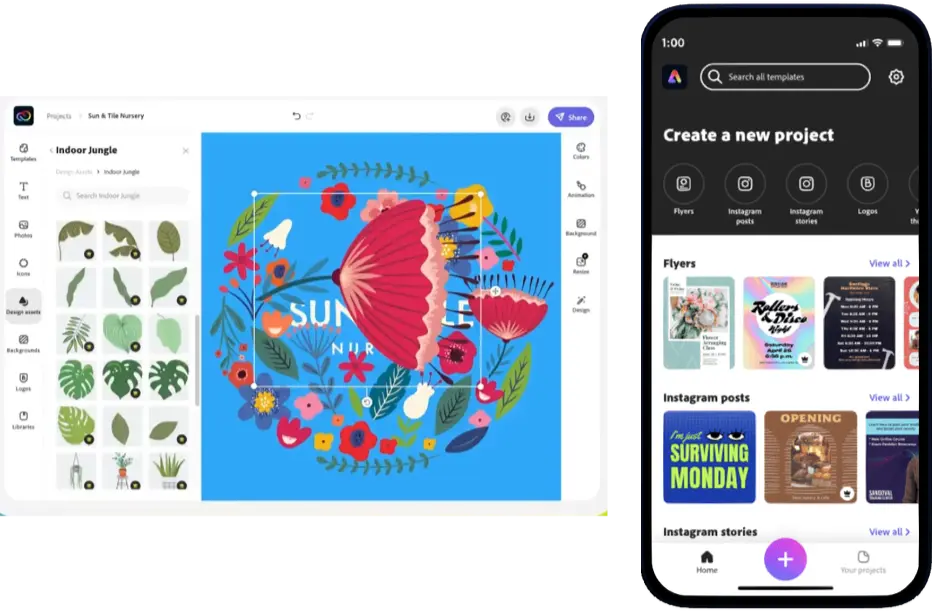
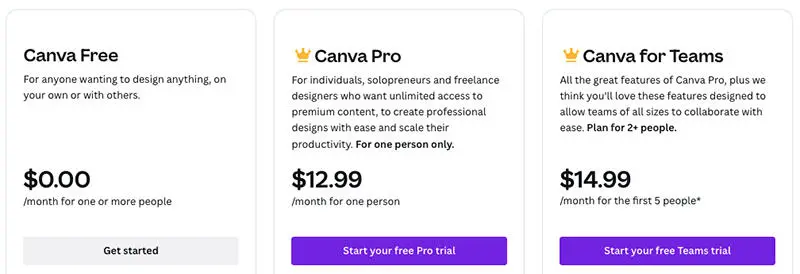
Pricing was part of the comparison too — both competitors gate their best features behind a paid plan.


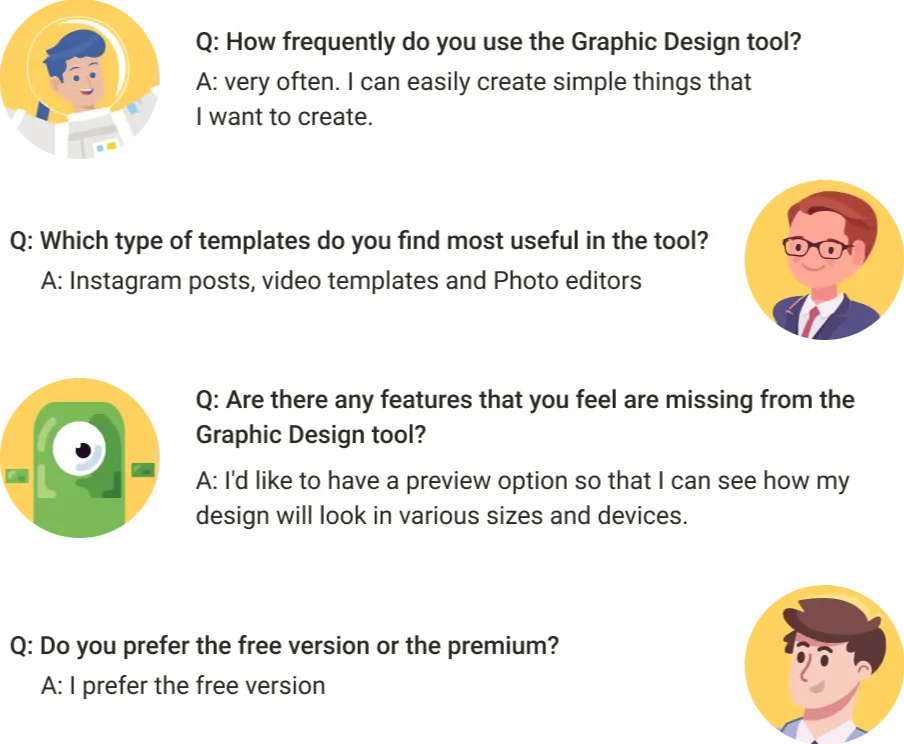
User Survey
A short round of user interviews broke down how people actually use a graphic design tool day to day, and where it falls short.

Persona
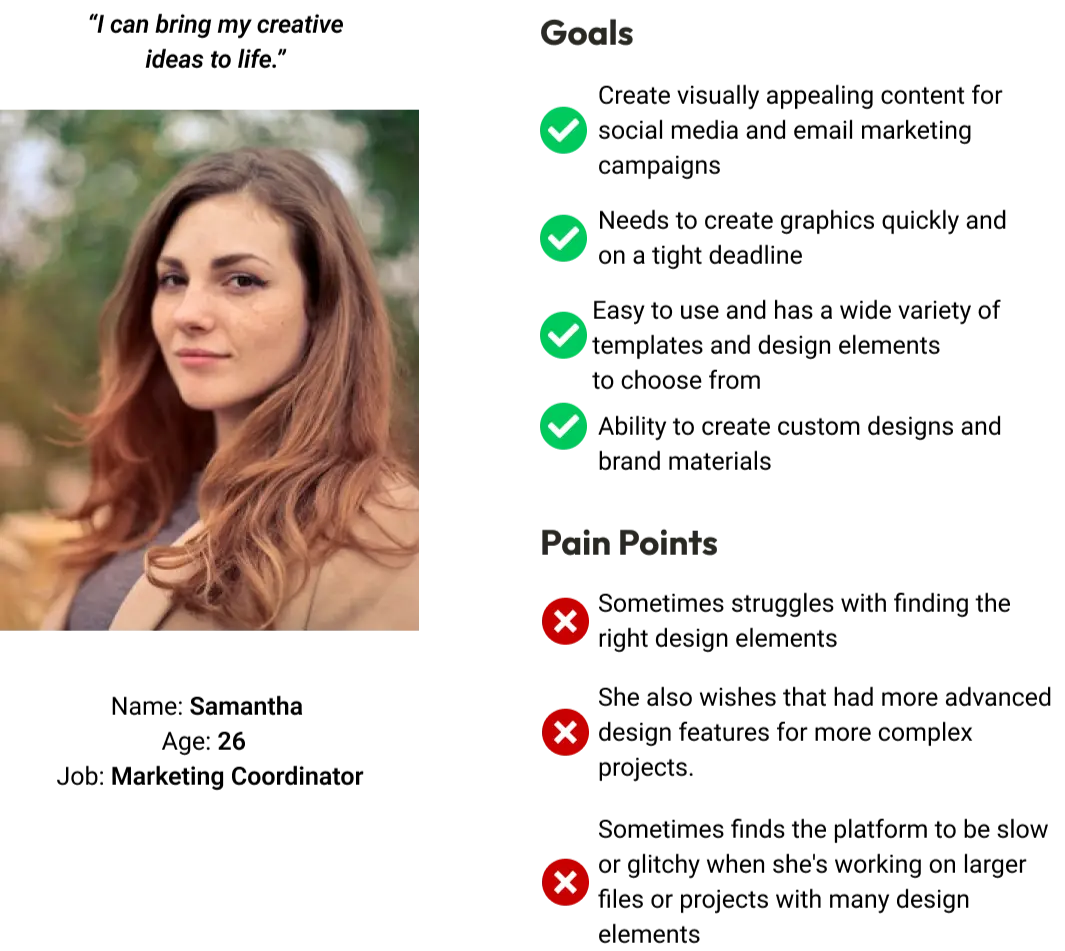
Samantha, 26, Marketing Coordinator needs to produce visually appealing content for social media and email campaigns quickly, on tight deadlines, without a design background — but still wants room to create custom, on-brand work when a template isn't enough.
Design Process
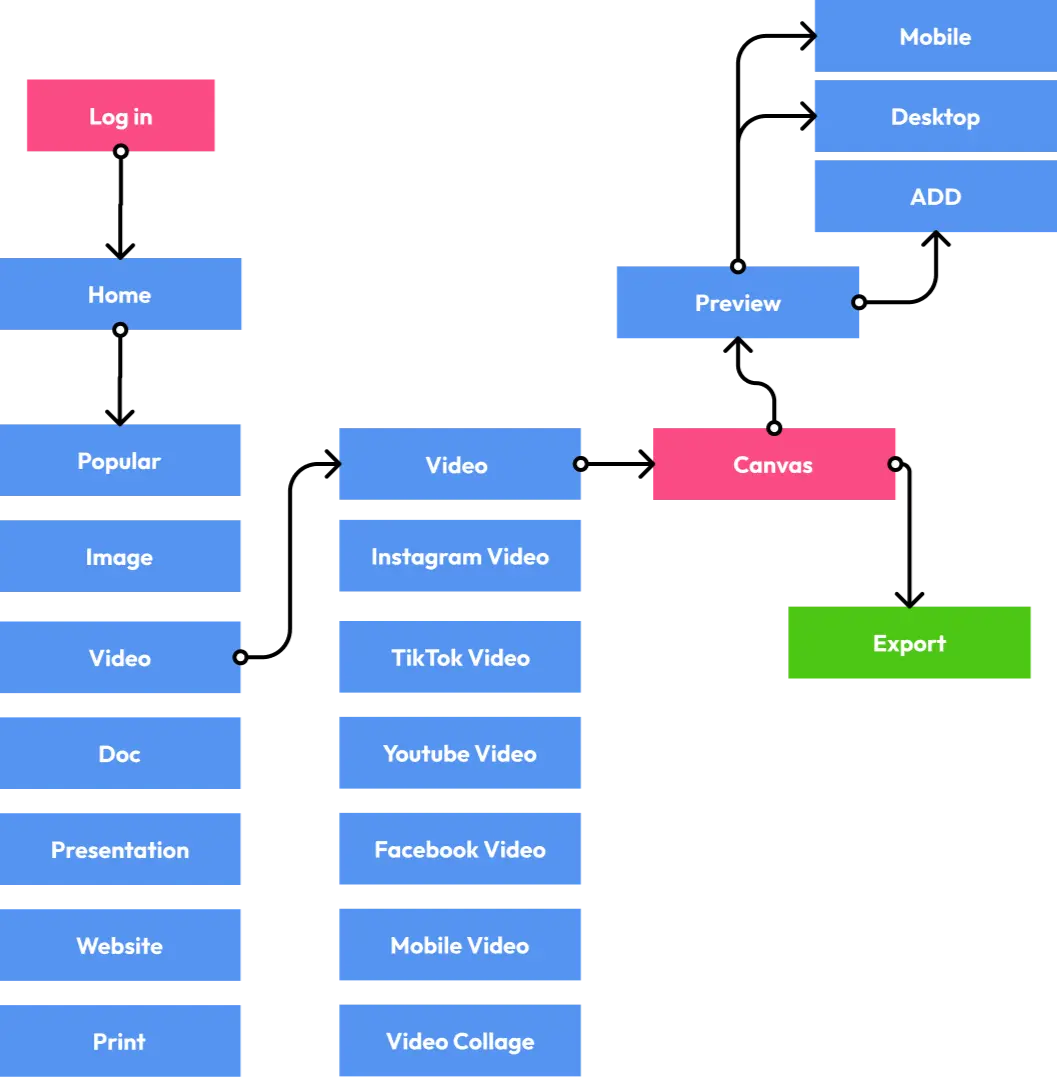
The primary flow — from home, through template categories, into the canvas, and out to export — came first as a flow diagram.
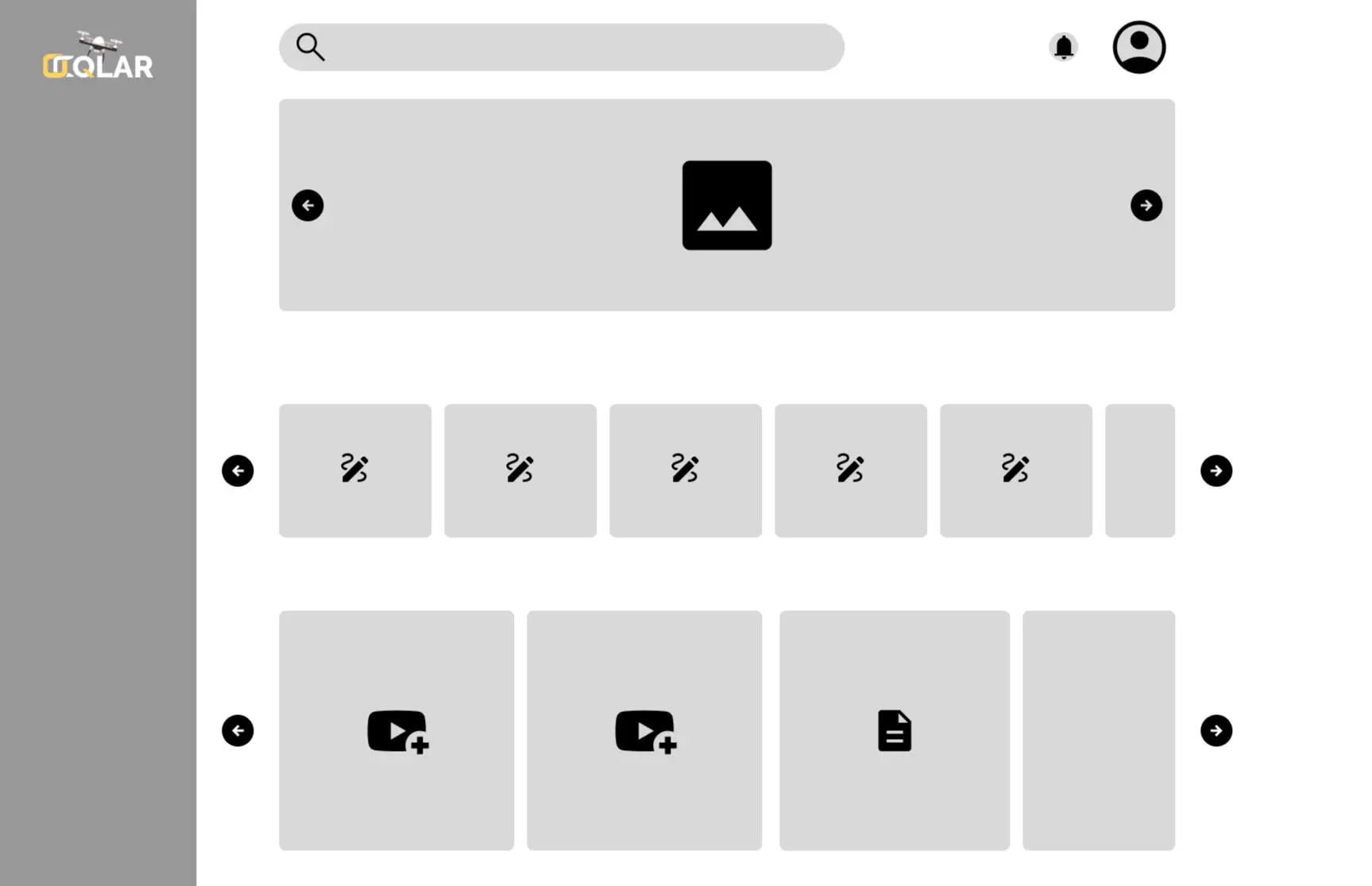
Low-fidelity wireframes locked in the dashboard and editor layout before any visual design.

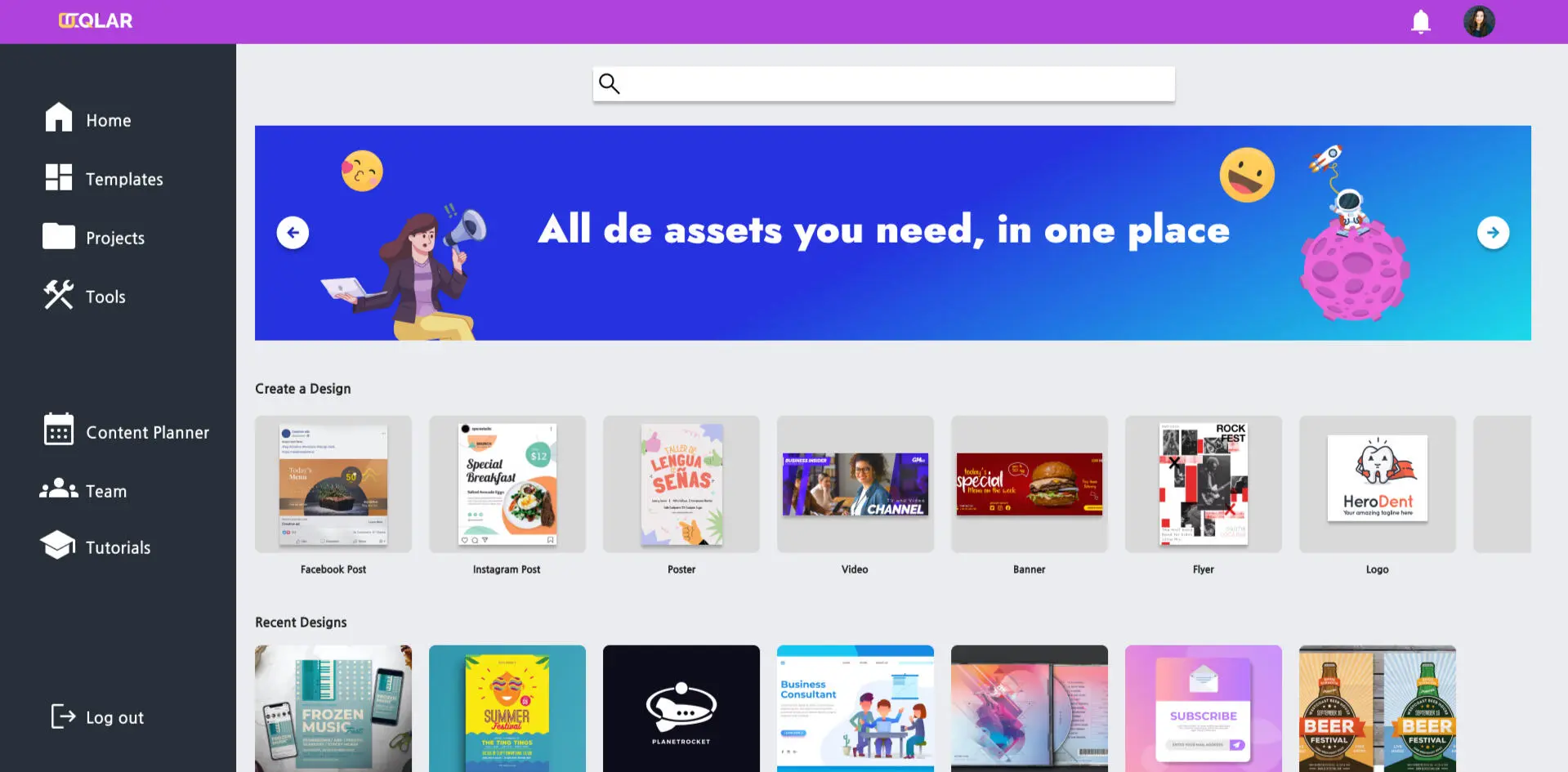
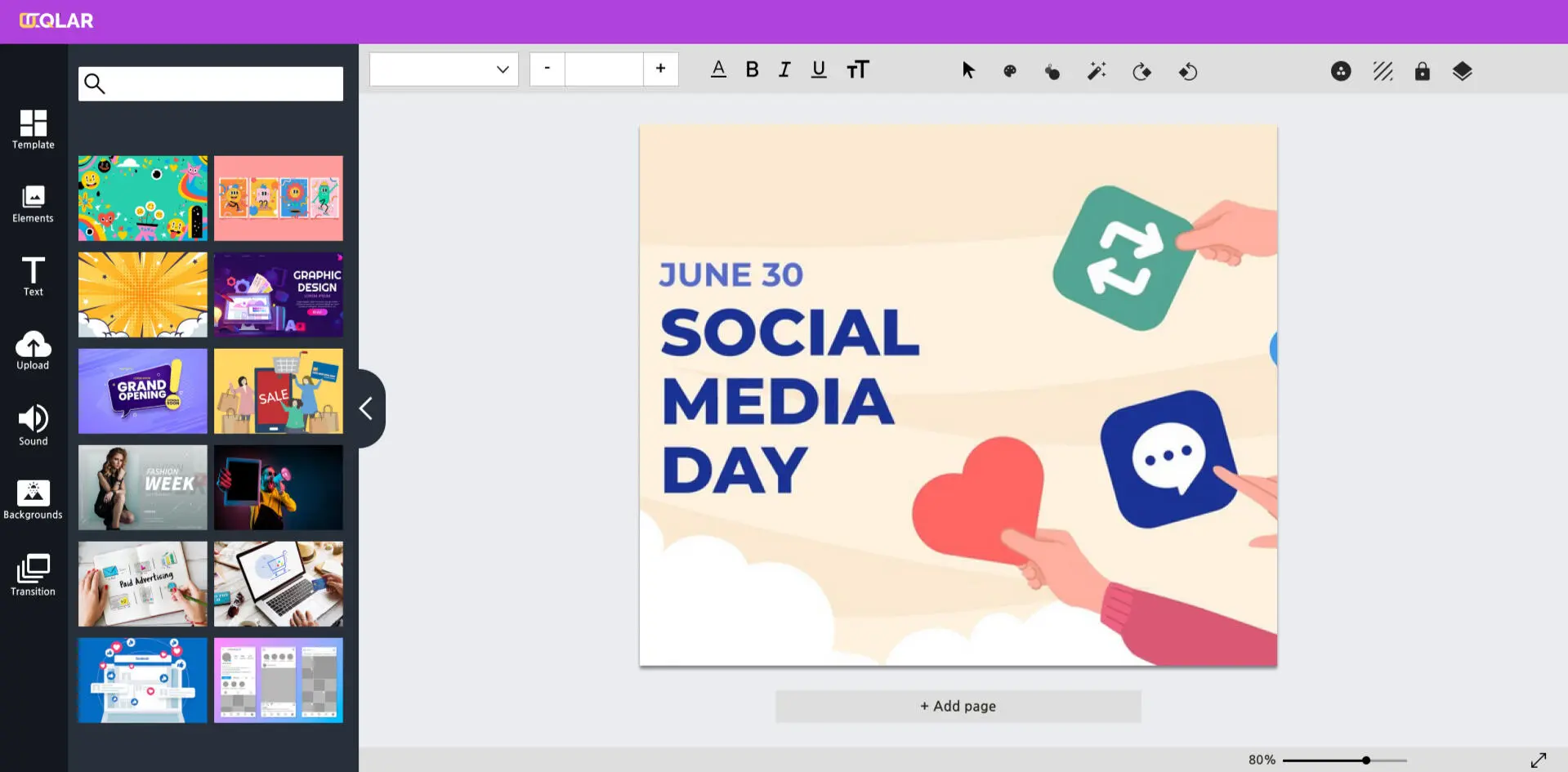
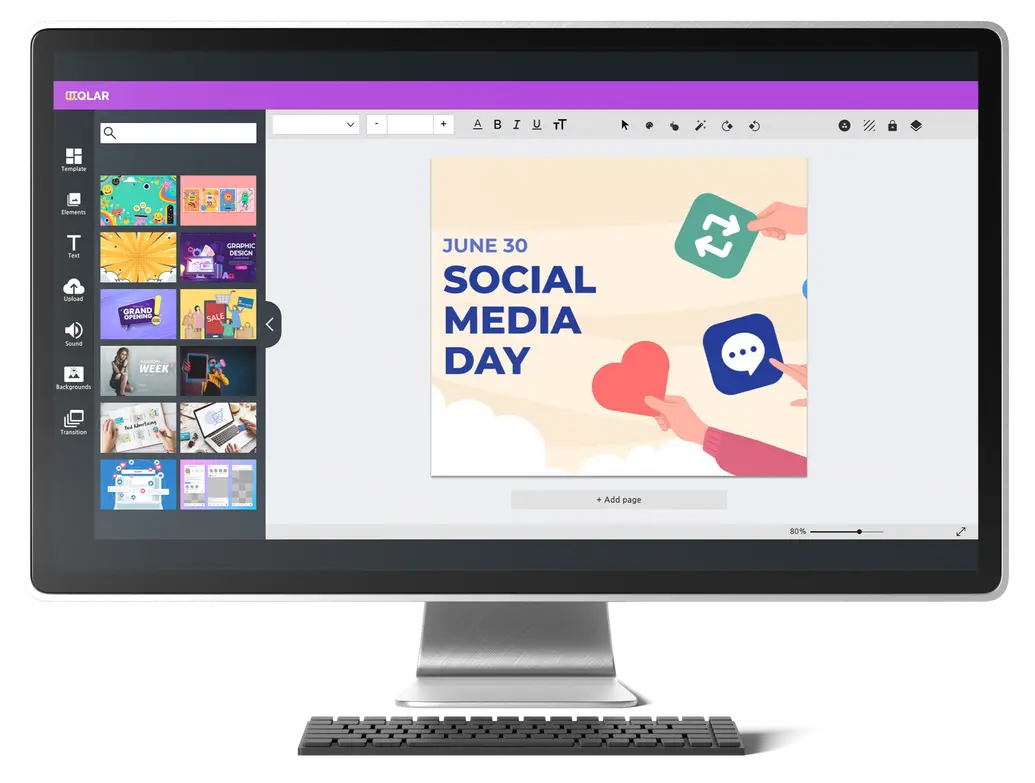
Then the high-fidelity, clickable prototype — a dashboard built around quick-start templates, and an editor for building out a design.
Key Features
The product offers a free tier plus a $10 USD/month premium subscription, keeping the entry point accessible for the exact users the research pointed to.
Validation
The high-fidelity prototype was tested with 10 users to validate the flow before shipping.