Role: Product Designer — UI & Researcher
Timeline: March 2022 — 1 week (UX/UI Challenge)
Time Keeper is an automated time-tracking tool built to help teams manage project deadlines and time allocation — simple enough to use daily, without the friction or negative associations that usually come with tracking employee time.
Research & Competitive Analysis
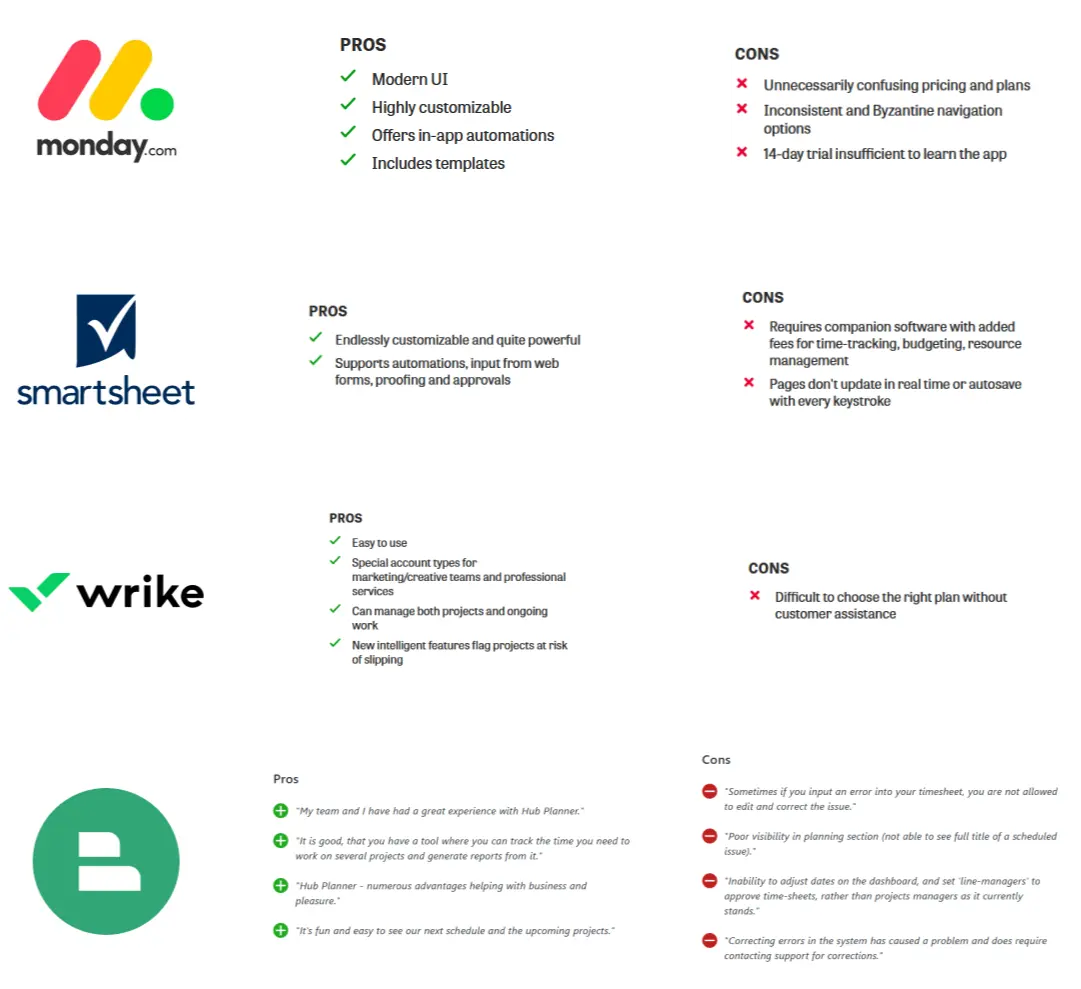
Time tracking is an industry people are actively investing in — and one most teams still get wrong. Manual timesheets create real, well-documented pain points.

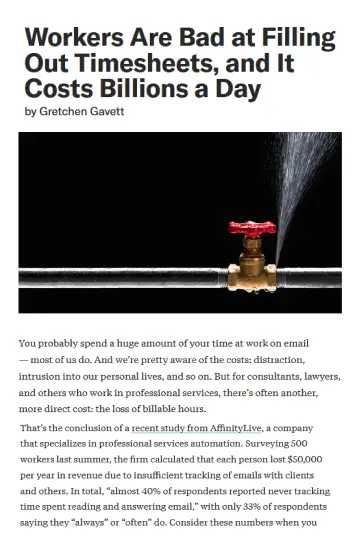
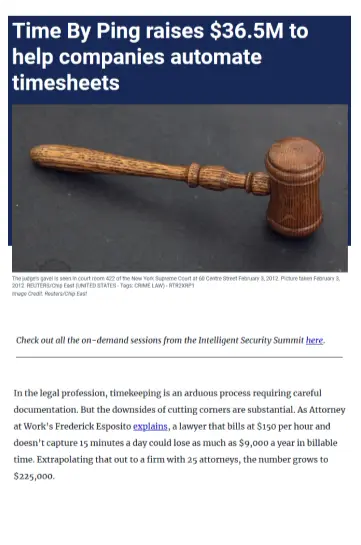
I compared four existing tools — monday.com, Smartsheet, Wrike and Hub Planner — to see where they held up and where they consistently frustrated users.
Personas
Two personas represented the two sides of the same tool: the person managing deadlines, and the person whose time is being tracked.

Jonathan, 37, Creative Director — needs visibility across his whole team's workload without micromanaging anyone.

Ana, 26, Graphic Designer — needs to log her time without it feeling like surveillance or eating into her actual work.
Design Process
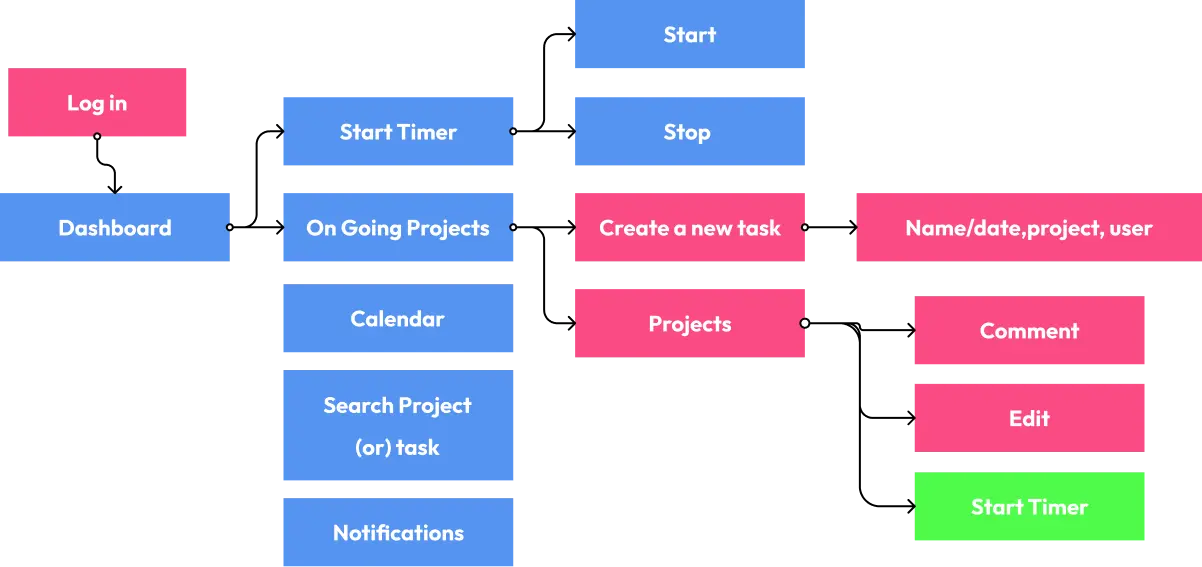
A user flow diagram mapped the primary interactions first — from login through starting a timer, managing projects, and getting notified.
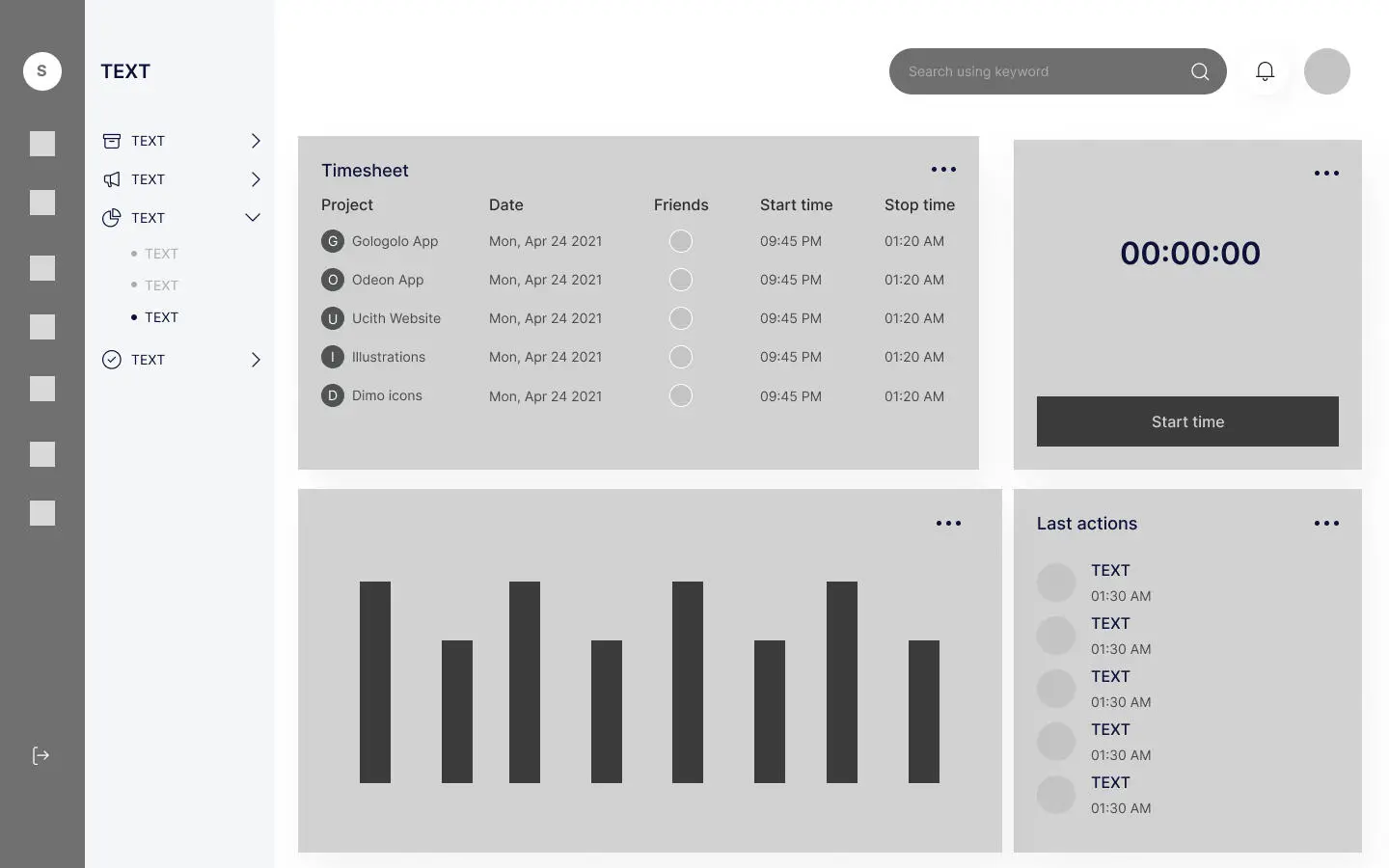
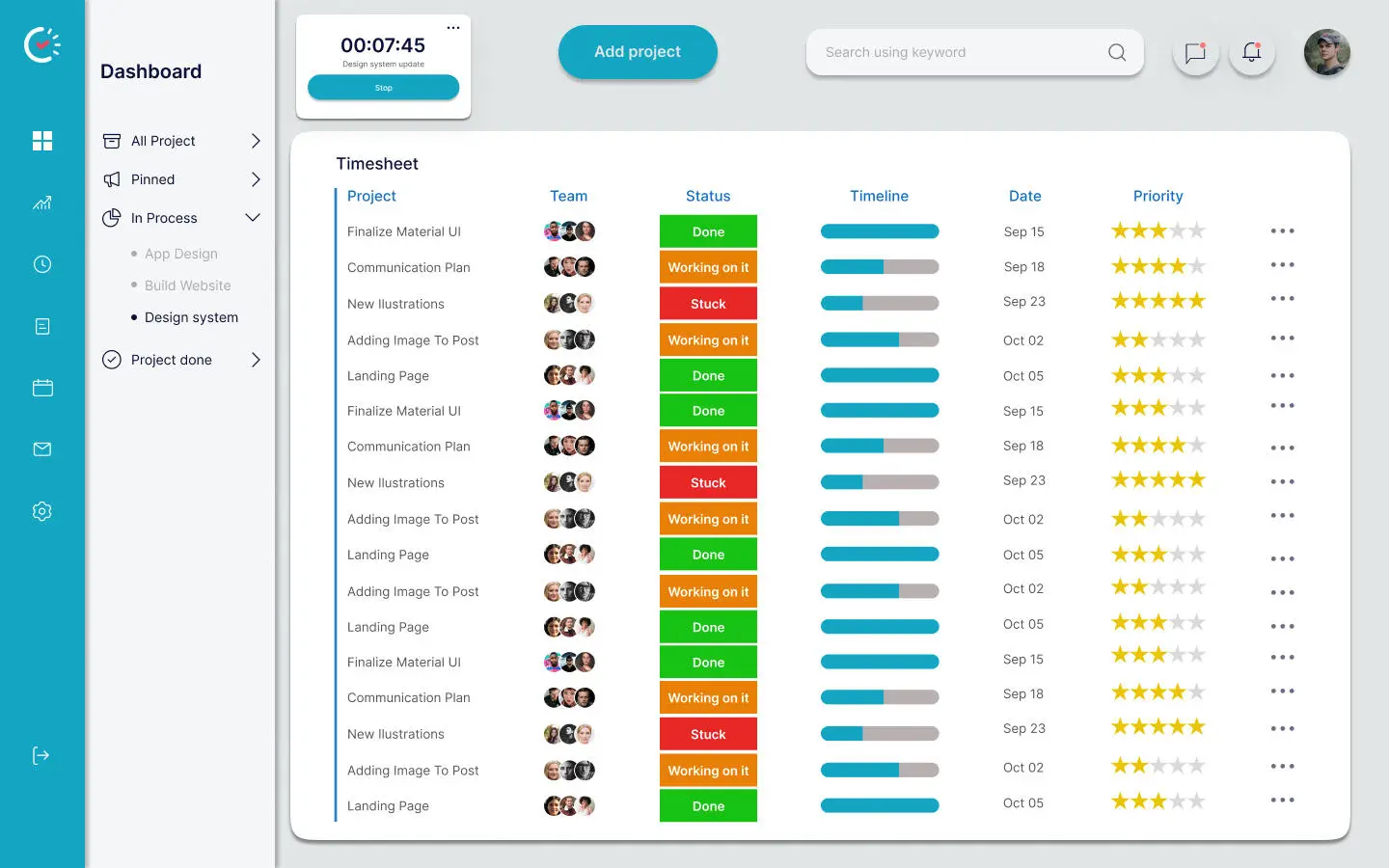
Low-fidelity wireframes locked in the dashboard layout before any visual design — timesheet table, live timer, and activity chart.
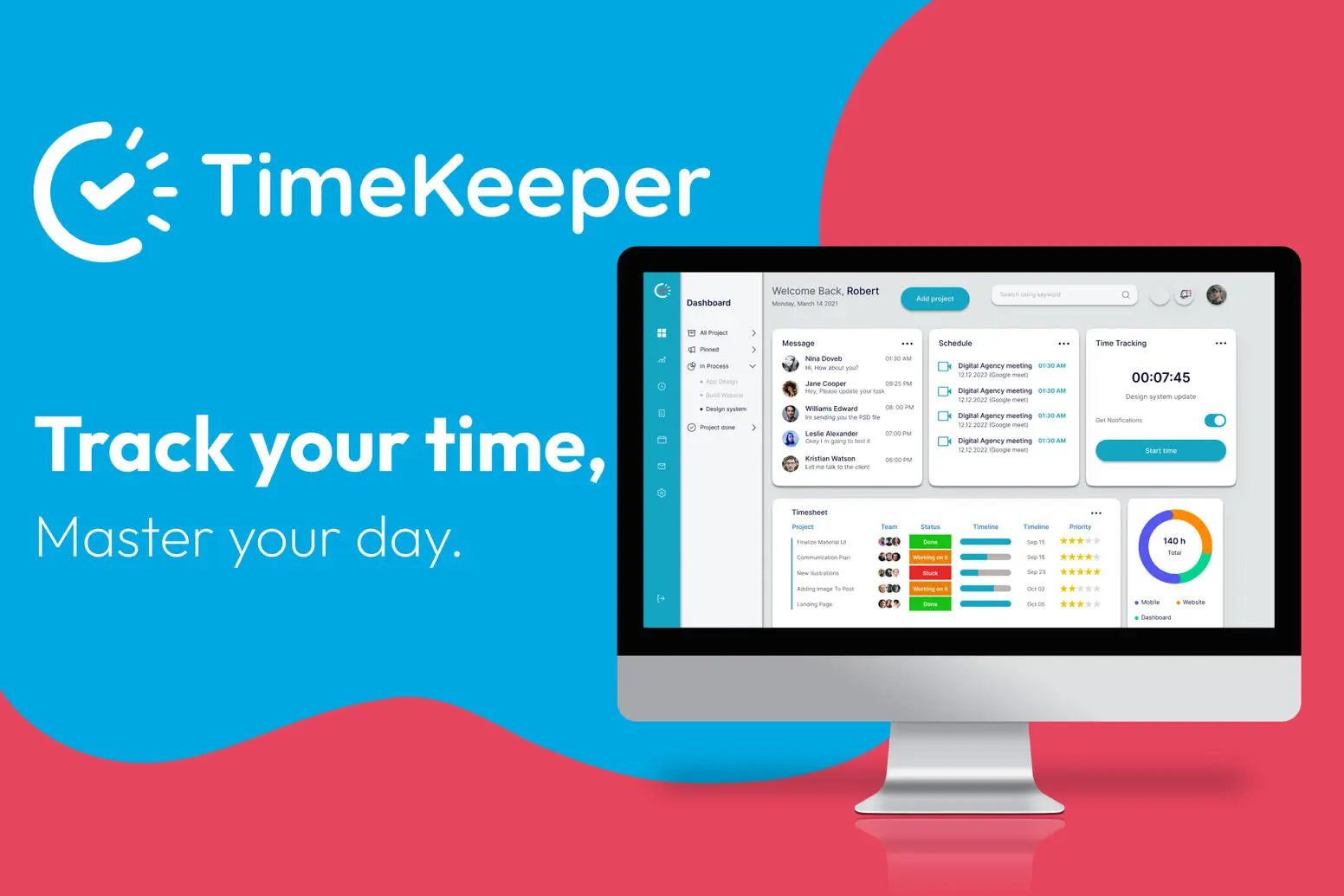
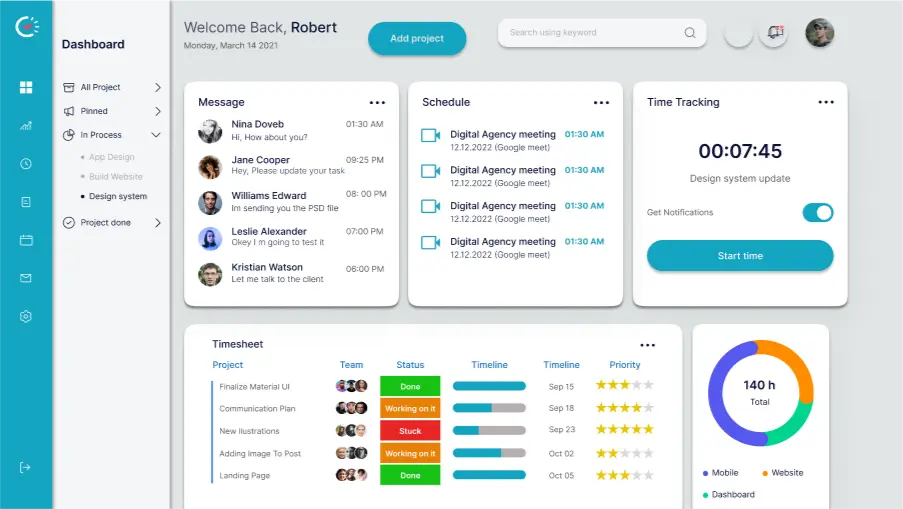
Then the high-fidelity, clickable prototype — a dashboard built around messages, schedule, live time tracking, and a full timesheet view.
Key Features
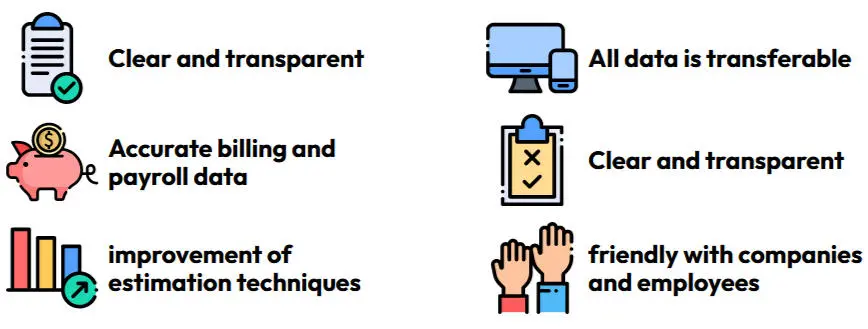
The design leaned on simplicity and transparency — features built to keep both managers and individual contributors on top of deadlines without adding friction to the workday.
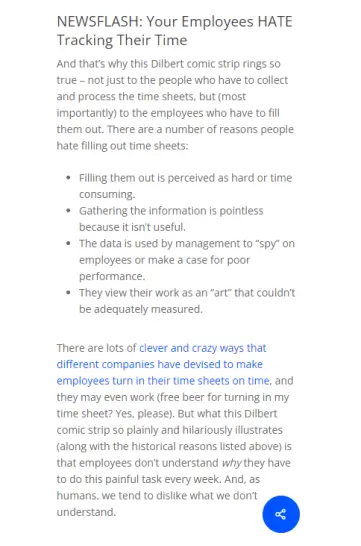
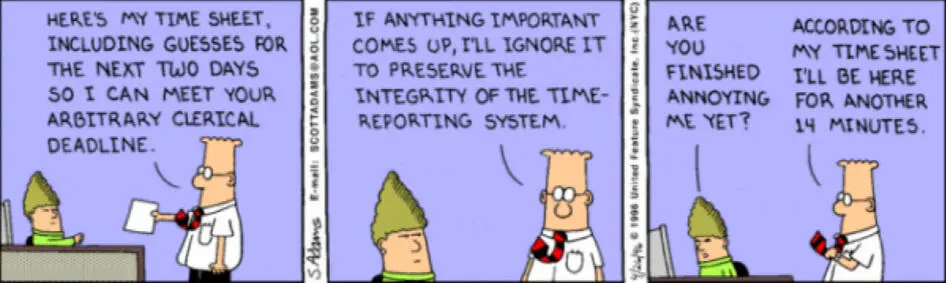
And the reason this matters — nobody actually likes filling out a timesheet honestly.
Validation
The high-fidelity prototype was tested one-on-one with 10 users to check whether the tool stayed intuitive and delivered real value for both personas.